
Ambient documentation for community pharmacy
Augnito Omni can support documentation of spoken clinical consultations in community pharmacy, with draft notes and onward communication checked by the pharmacist.
The documentation challenge
Clinical services bring additional correspondence
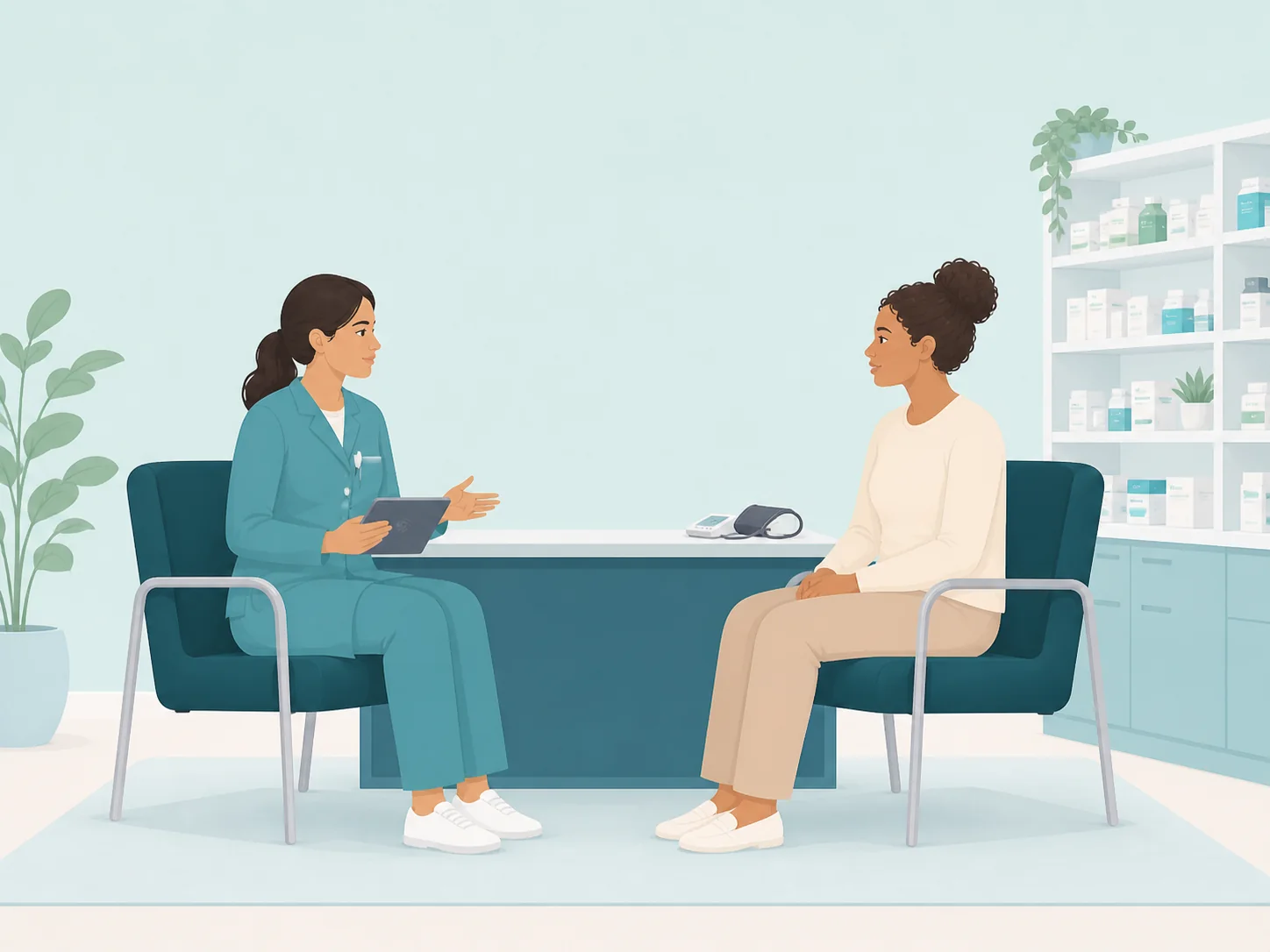
Medication discussions, symptoms and advice may need both a consultation record and communication with another service. Re-entering the same narrative can add work after the patient leaves.
Make the consultation record part of the service. Augnito Omni is an ambient voice technology (AVT) platform that converts clinical conversations into draft documentation for clinician review. Unlike dictation, the clinician does not need to compose the entire note aloud.
Medication consultation notes
Configure medication consultation notes around the service’s documentation requirements. Check that the draft separates the reported history, clinical assessment and agreed next steps.
Patient advice summaries
Use the consultation to prepare patient advice summaries for review. Confirm the clinical detail and distinguish actions agreed from options discussed.
Draft GP communications
Draft draft gp communications from the relevant conversation, with an appropriate level of detail for the recipient. The clinician checks and approves the document before use.
Clinical decisions stay with the clinician
Omni supports documentation. It does not replace clinical judgement, examination or professional responsibility for the final record.
Augnito Omni in practice
From conversation to a record you have reviewed.
For community pharmacy, start with the consultation and the documents the team needs to complete. Templates can be configured around local requirements; the agreed configuration determines the available outputs.
Spoken information becomes a draft, not a final clinical record. Check omissions, clinical meaning and any suggested coding before approval.
Explore Augnito Omni's ambient workflow- Conduct the consultation
Use the agreed recording and patient-information arrangements for the setting.
- Capture and structure
Omni processes the clinical conversation and prepares the configured draft notes or documents.
- Review, edit and approve
The clinician checks the content, adds information where needed and approves the final output.
- Complete the workflow
Use the approved documentation in the agreed clinical record or correspondence process.
For clinical and digital leaders
Evaluate the fit for community pharmacy.
Map outputs to the pharmacy's existing service requirements. The pharmacist remains responsible for clinical decisions and final documentation.
Discuss standalone use or an integration with the existing EPR and correspondence workflow. Availability depends on the product configuration, system and local implementation; confirm requirements with Scribetech rather than assume a connection is already in place.
Explore clinical speech integration options · Read about data security
Plan the next conversation.
Ambient documentation for primary care networks Ambient documentation for primary care NHS England: guidance on adopting ambient scribing
For services in England, NHS England provides adoption guidance for clinical and digital teams. Local clinical safety and information governance review remains part of deployment planning.
See the workflow
Book a demonstration Discuss ambient documentation for community pharmacy.
Bring your consultation types, document templates and system requirements to a demonstration.